SaaS Comparison Framework 2026: How to Choose Your Stack
Last updated April 4, 2026 · 12 min read
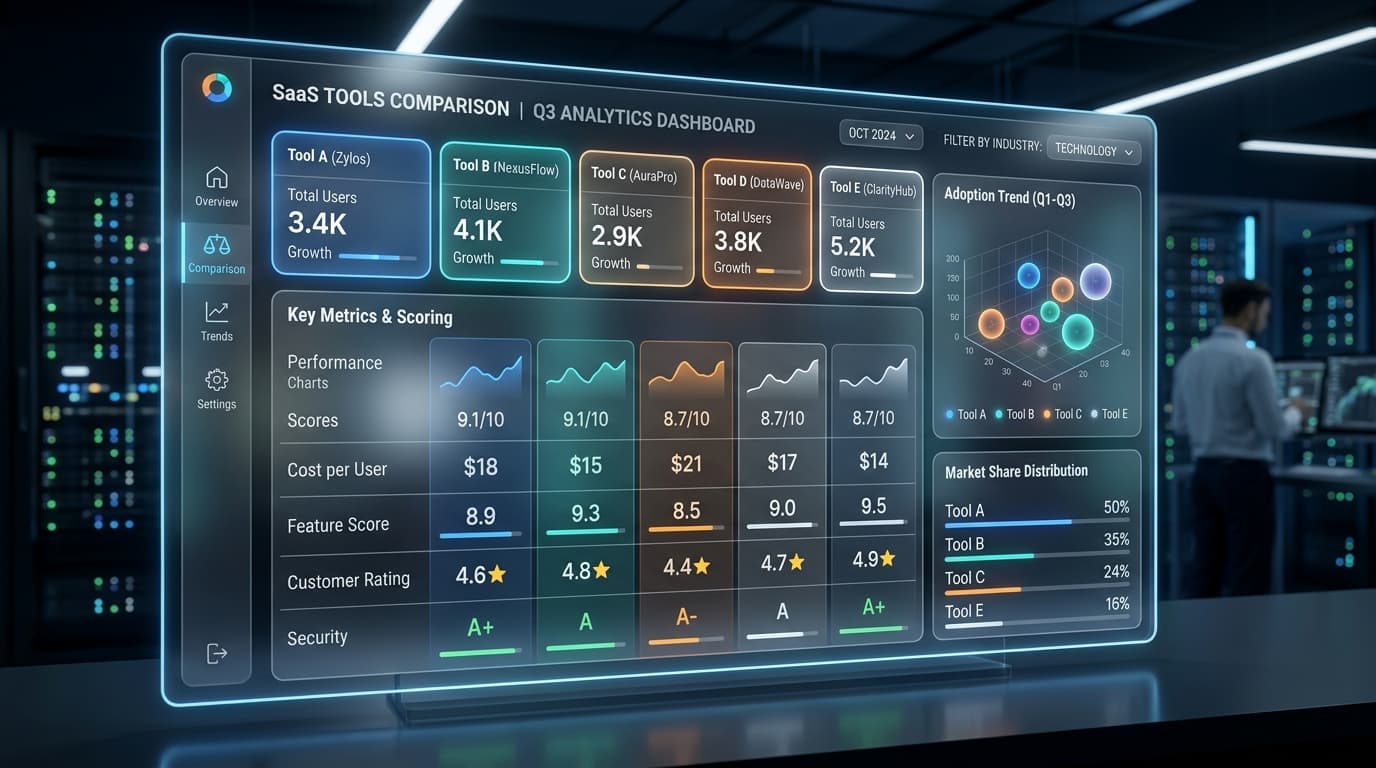
In 2026, the average mid-sized company uses over 150 SaaS tools. The cost of a bad selection isn't just the monthly subscription fee; it's the integration debt, data silos, and lost productivity that follow. Most teams compare tools based on a cursory feature checklist, but true comparison requires a structured framework that accounts for the long-term impact on your operations.
The 4 Pillars of Modern SaaS Comparison
A successful evaluation should be balanced across four key dimensions. If a tool excels in one but fails in another, it will eventually become a liability.
| Feature | Core Functionality | Operational Fit | Economic Impact |
|---|---|---|---|
| Primary Metric | Feature completion & performance | Integration & team workflow | Direct cost & total cost of ownership |
| Critical Question | Does it solve the primary pain point? | How does it talk to our existing stack? | What is the per-seat ROI after 12 months? |
| Secondary Metric | User experience & adoption | API quality & data portability | Implementation time & training cost |
Step 1: Define Your North Star Requirement
Every SaaS purchase should solve a specific problem. Before looking at tools, identify the one metric that must move. Is it "time to resolve a ticket"? Is it "developer hours spent on maintenance"? Or is it "marketing attribution accuracy"? If you don't define this up front, feature bloat will distract you from the actual goal.
Step 2: The Integration Audit
Standalone tools are relics of the past. In 2026, a tool's value is multiplied by its connectivity. Evaluate tools based on:
- Native Integrations: Does it connect directly to your CRM, project management, and communication tools?
- API Depth: Can you programmatically extract every data point the tool generates?
- Automation Support: How easily can you build workflows in Zapier, Make, or n8n using its triggers and actions?
Step 3: Calculating Total Cost of Ownership (TCO)
The sticker price is just the tip of the iceberg. True TCO includes:
- License Fees: Base cost + growth scaling.
- Implementation: Professional services and internal engineering time.
- Maintenance: Ongoing admin work (permission management, workflow updates).
- Opportunity Cost: The time it takes to train the team and reach full proficiency.
Pros and Cons of Consolidation
A major decision in 2026 is whether to go with an "all-in-one" suite (like HubSpot or Microsoft 365) or a "best-of-breed" stack (like Linear + Slack + Notion).
✓Pros
- ✓Unified data layer across departments
- ✓Single vendor to manage
- ✓Lower per-tool cost (usually)
- ✓Consistent user interface
✗Cons
- ✗Often 'jack of all trades, master of none'
- ✗Harder to switch individual components
- ✗Vendor lock-in risk is high
- ✗Innovation speed usually lags behind specialized startups
✓Pros
- ✓Top-tier performance in every category
- ✓Higher team adoption due to superior UX
- ✓Flexibility to swap out individual tools
- ✓Access to cutting-edge features faster
✗Cons
- ✗Integration overhead can be significant
- ✗Higher overall cost across multiple vendors
- ✗Data fragmentation requires deliberate sync strategy
- ✗Multiple UIs and permission systems to manage
The Verdict
The best SaaS stack in 2026 is one that balances specialized performance with centralized data. We recommend selecting a strong 'data anchor' (like your CRM or data warehouse) and building a best-of-breed stack around it using high-quality APIs.
Always prioritize tools that allow for easy data export. In the age of AI, your competitive advantage is your data—don't let a SaaS provider hold it hostage in a proprietary ecosystem.
Get free SaaS comparison updates
Weekly insights on the best SaaS tools. No spam, unsubscribe anytime.
Skip the comparison work.
Get battle-tested templates and systematize your strategy with the SEO Content OS.
Get the SEO Content OS for $34 →